Apps & websites for small businesses and churches

Your vision.Made real.

Help your customers and community connect, find what they need, and take the next step—with an app or website built around them.

Start a project Explore the work

Built with care, from Connecticut.

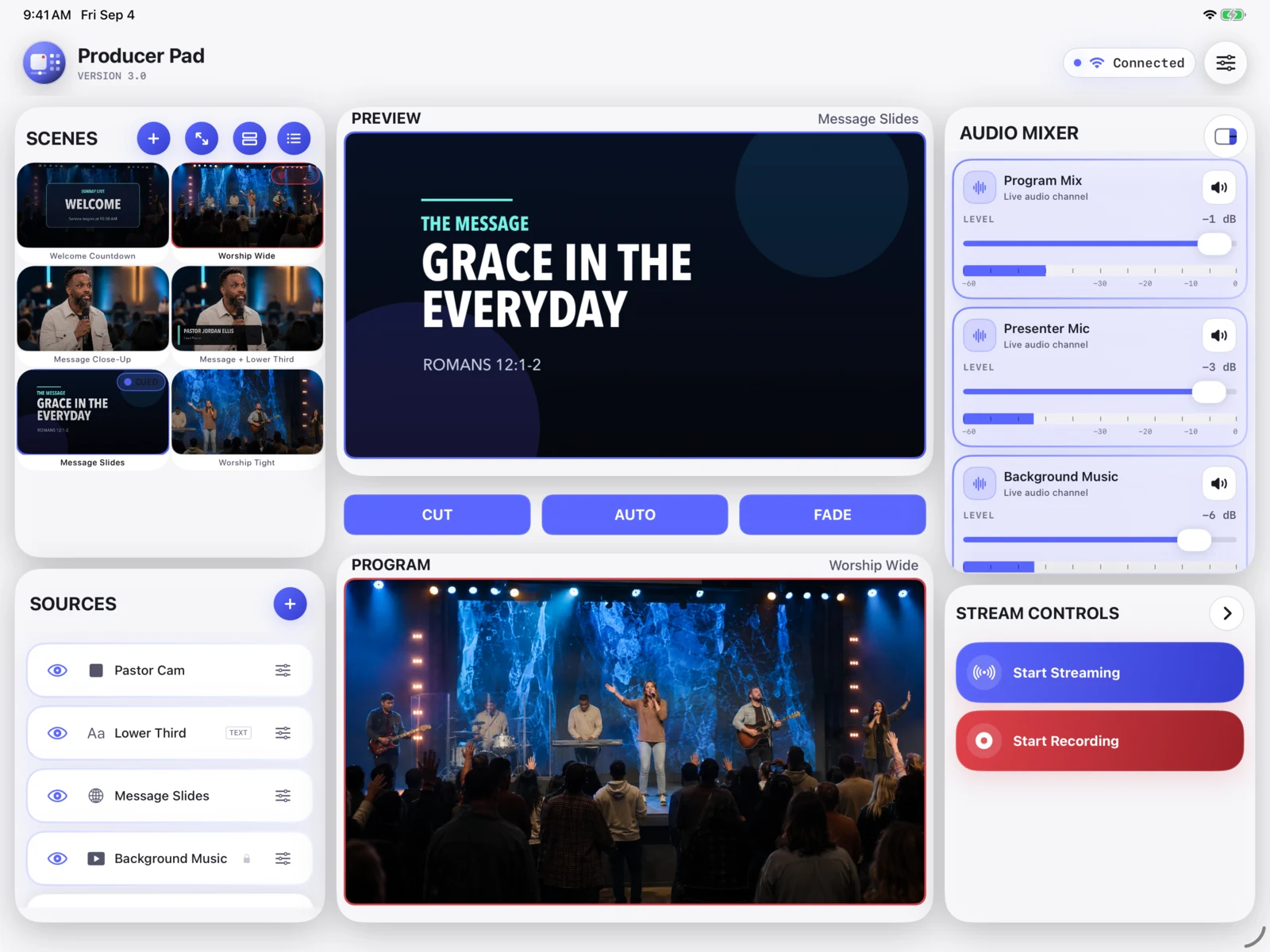
ProducerPad on iPad: OBS scenes, preview, program, and audio controls
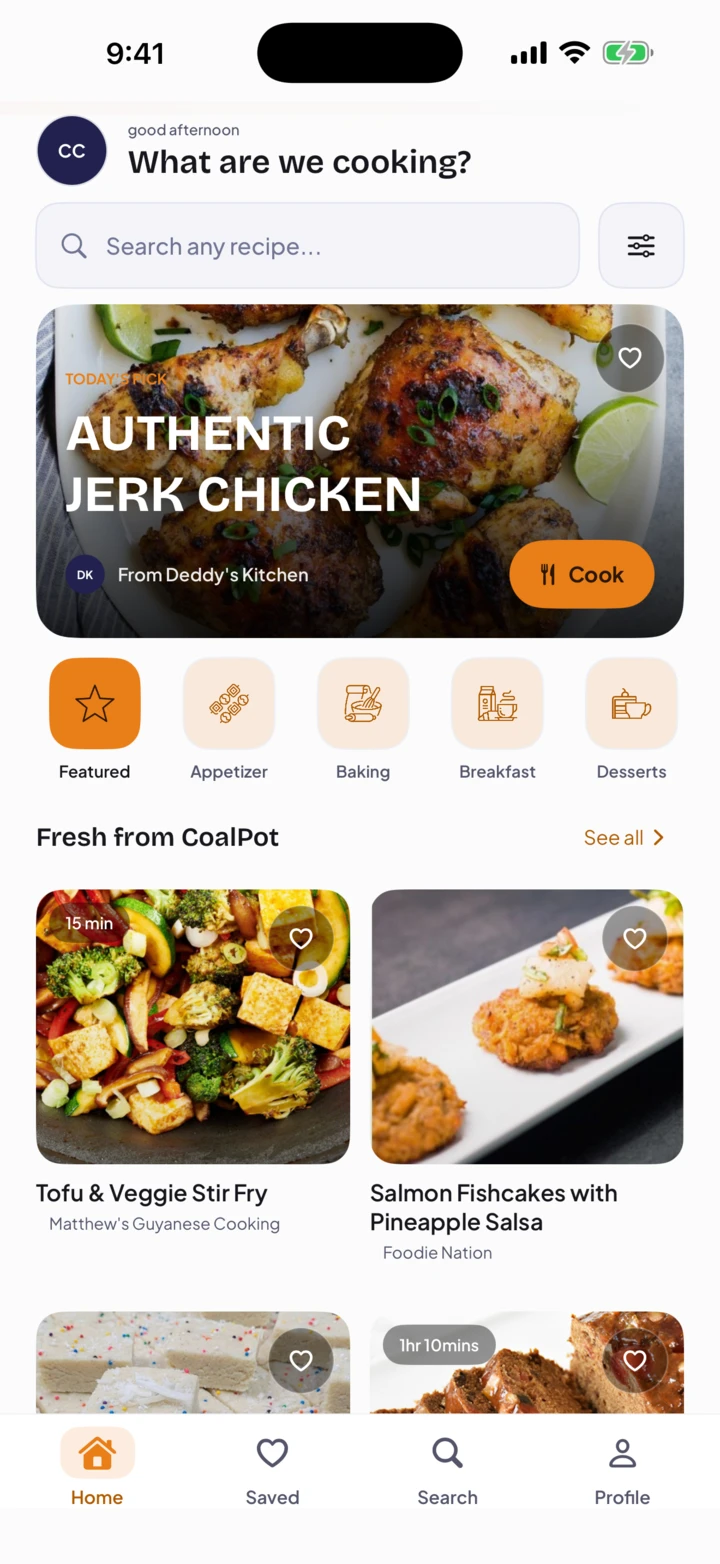
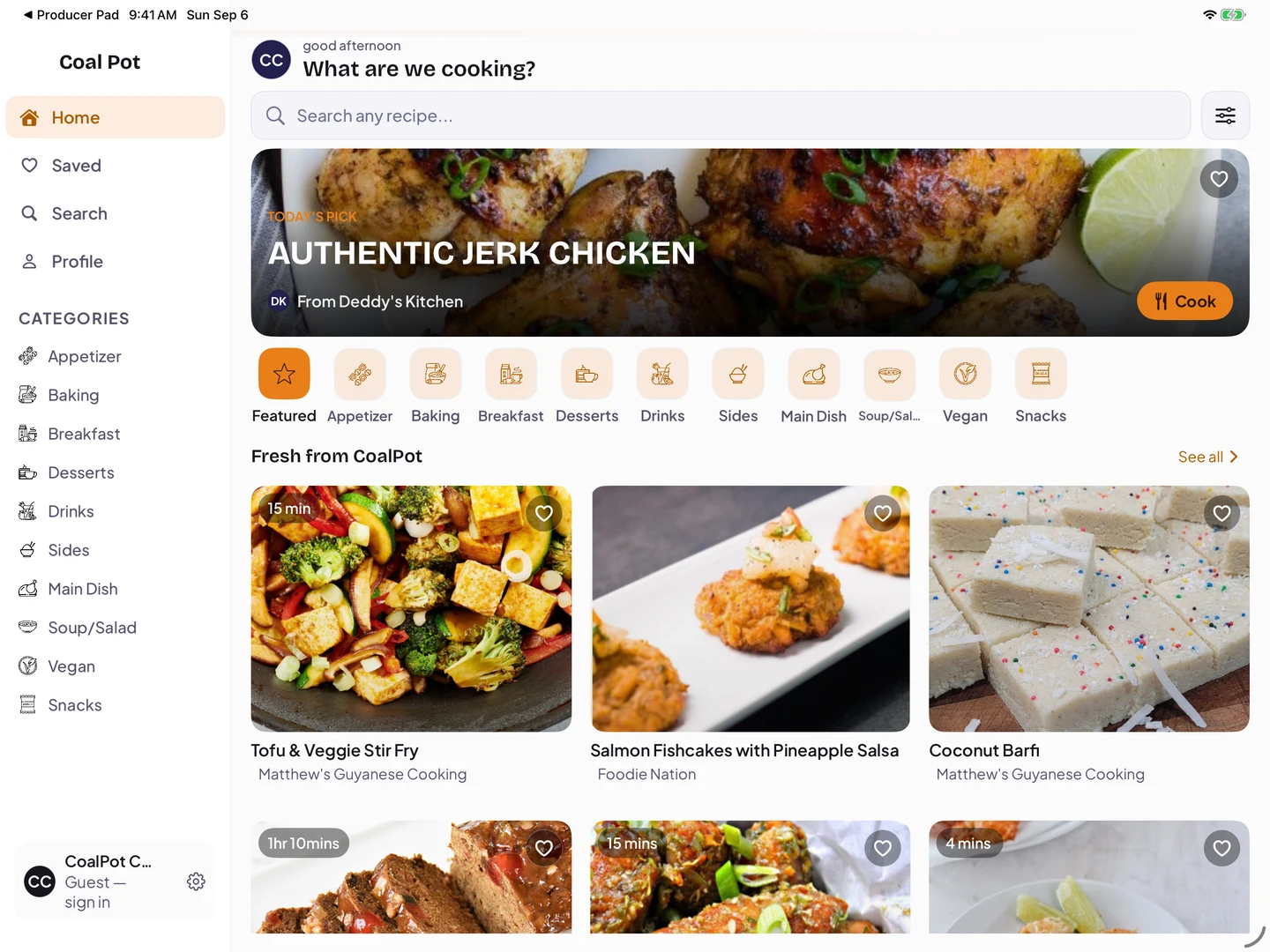
CoalPot: Caribbean recipes and guided cooking

A clearer way forward

A good idea shouldn’t get stuck on the technical details.

You know the people you want to help. Turning that vision into an app or website can mean too many decisions, unfamiliar technology, and no clear place to start.

You don’t have to figure it out alone.

1AM Studios helps you turn the problem you’re solving into a focused design and a working product. You bring the vision. We bring hands-on design and development.

When an experience is hard to use, people can leave before they find what they need. Let’s make their next step easier.

How we work together

A clear path from idea to launch.

  1. Tell us what you want to change.

    Share who it’s for, what isn’t working, and what you’d like to make possible. You don’t need a technical brief to start.

  2. Agree on a focused plan.

    We’ll work through the priorities, scope, and design with you, so you know what we’re building before development begins.

  3. Build, test, and launch.

    We turn the agreed design into a working app or website, review it with you, and prepare it for the people who will use it.

Start a project

A useful product for your people. A clear next step for you.

Selected work

Real products. Everyday problems solved.

Explore how thoughtful design makes a live show, a shared meal, or a connected community easier to navigate. These are working products—not just concepts.

01 / In the spotlight · iPhone + iPad

ProducerPad

Big moment.
Your move.

The room is full. The next shot is yours.
ProducerPad puts OBS control in your hands, on iPhone and iPad. Try the idea below.
You’re in the director’s seat.

Interactive web demo
01 PreviewUp next
Preview: singer close-up, generated demo scene Close-up

Set up the next shot. Your audience still sees Program.
02 ProgramOn air / demo
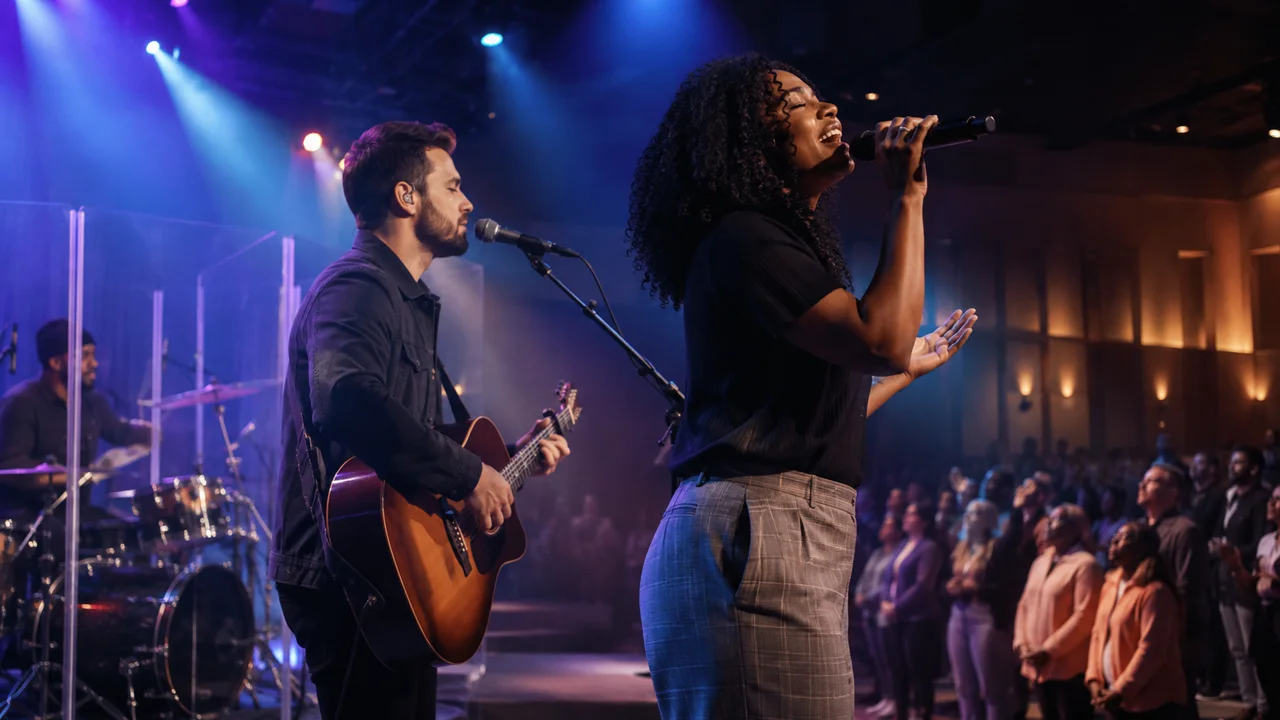
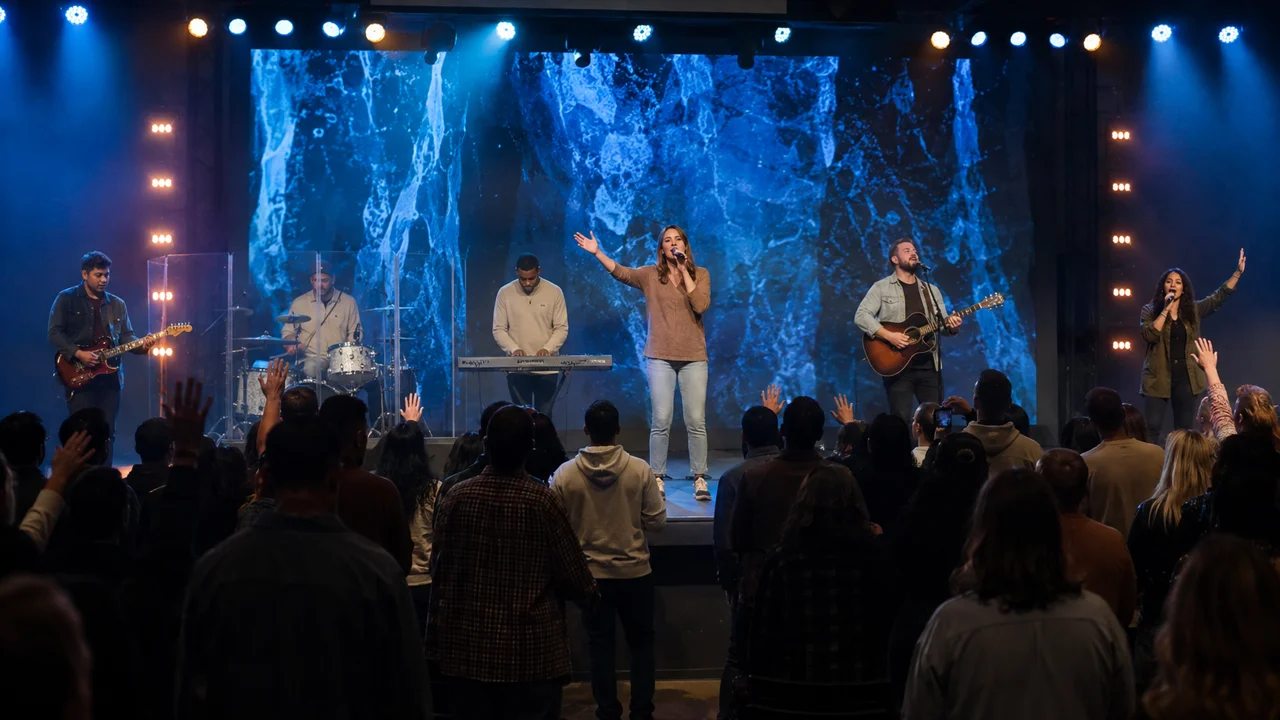
Program: wide stage view, generated demo scene
The audience’s viewWide shot

Website simulation—not the app or a live broadcast. Scene imagery is AI-generated, from ProducerPad’s demo library.

The actual app

Your whole show. Within reach.

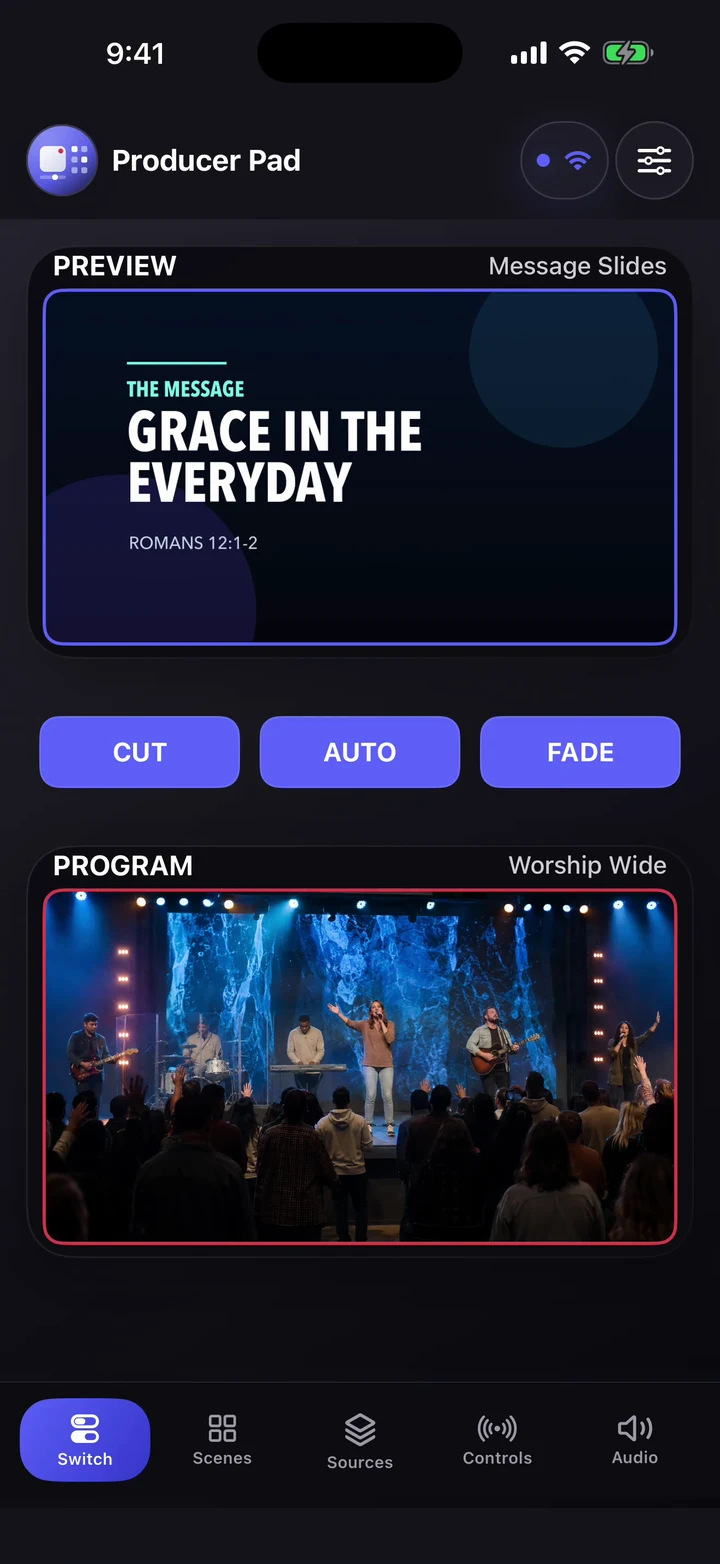
Preview stays beside Program. Scenes stay within reach. The same production idea, shaped for two very different screens.

Have a complex idea? Let’s make it feel simple.
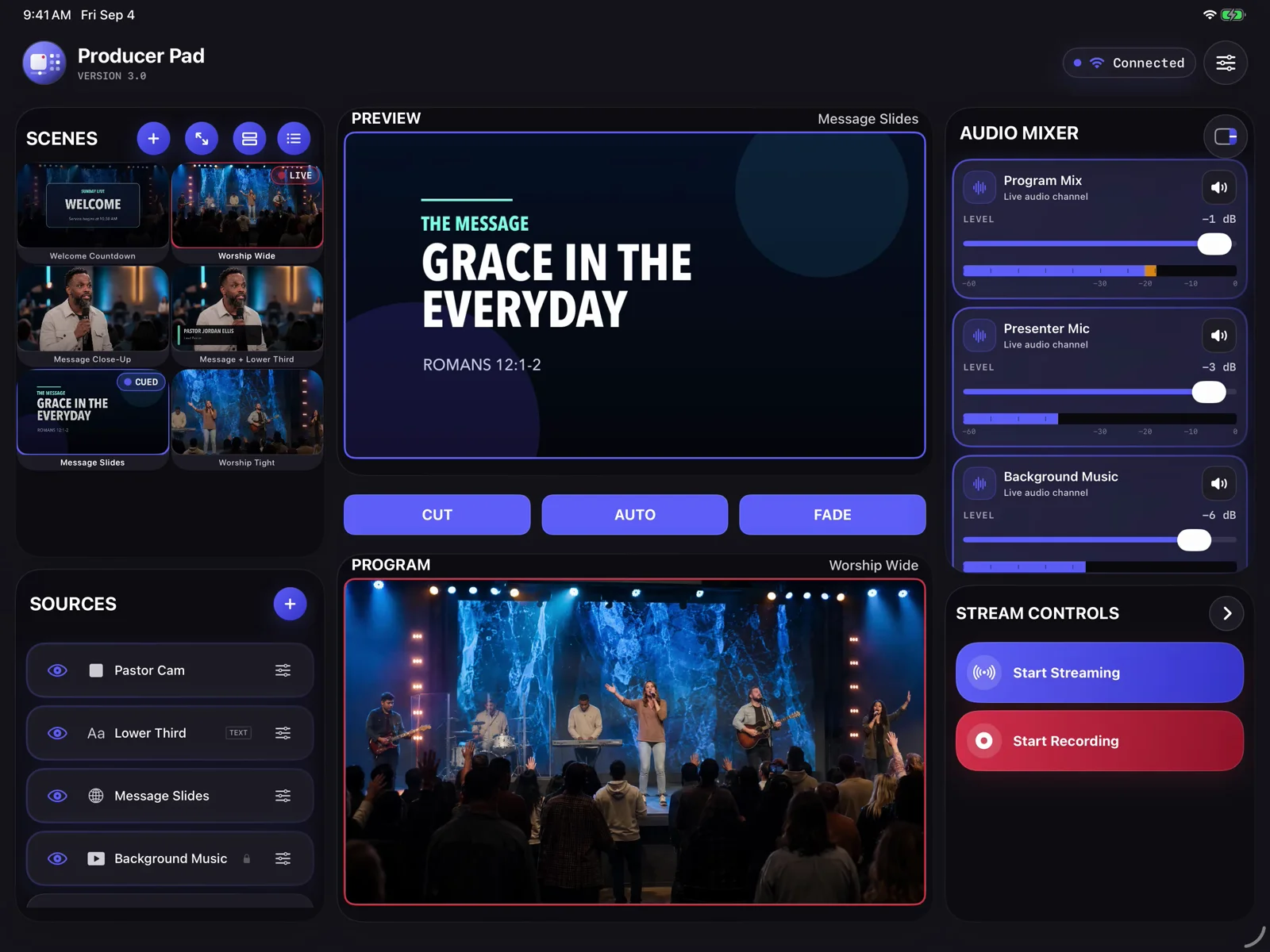
ProducerPad on iPad: OBS scenes, preview, program, and audio controls ProducerPad on iPhone: preview and program monitors with transition controls
Explore the control roomFour real app screens · Step through or playOpen tour
ProducerPad control room: scenes, Preview, Program, and audio together on iPad

01 / 04

See what’s live. Prepare what’s next.

Preview and Program sit side by side, with scenes and audio in the same workspace.

Actual app captures in demo mode—not a live OBS connection. You choose the pace.

Download the 21-second silent preview
02 / A taste of home · Phone + tablet

CoalPot

Find your flavor.
Make it yours.

Caribbean cooking, with a little guidance at every step. Find something you love. Then bring it to the table.

A good meal starts with a little inspiration.

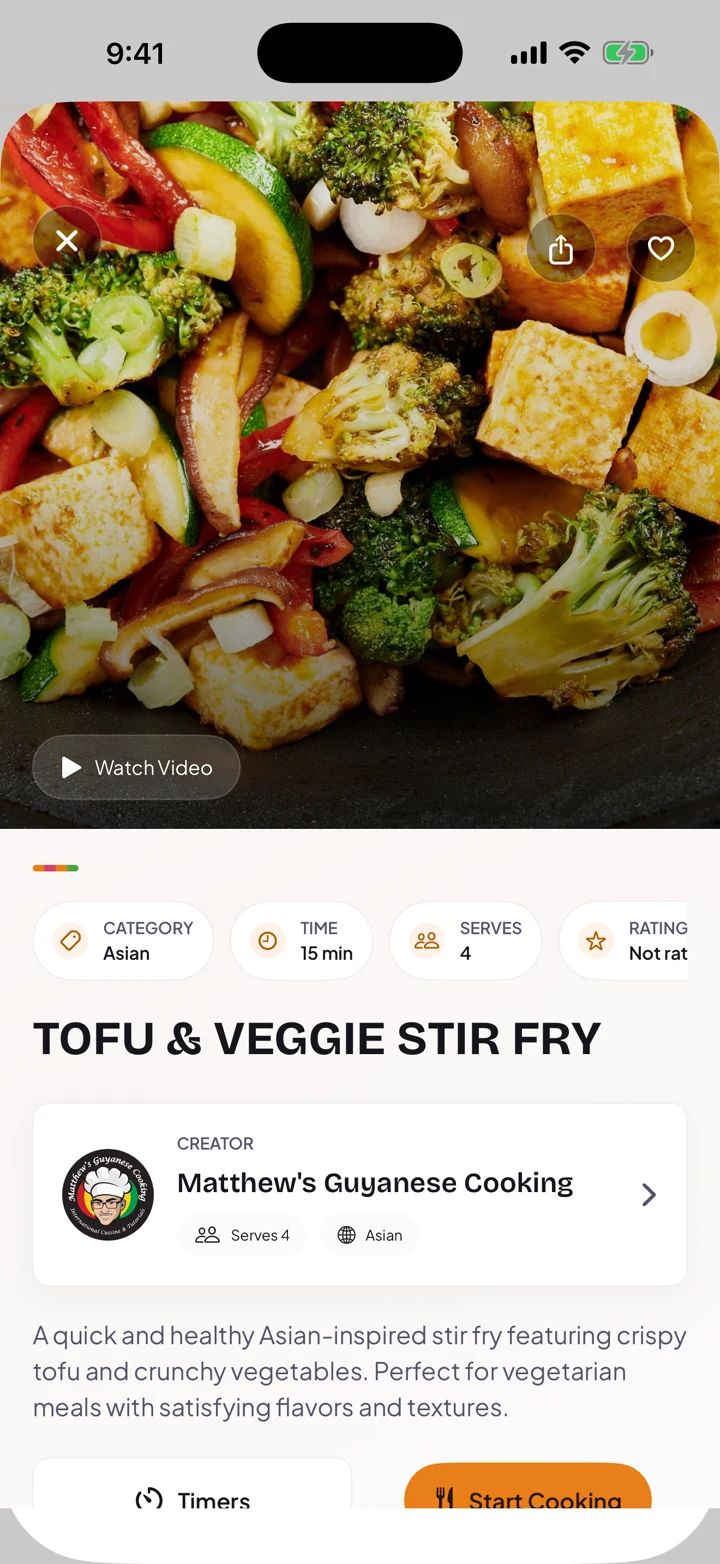
Tofu & Veggie Stir Fry, from Matthew’s Guyanese Cooking. Ingredients, timing, and the creator come together before you start.

The CoalPot story
Discover it. Cook it. Make it yours.
CoalPot on tablet: sidebar navigation, Caribbean recipes, and guided cooking
A little more room in the kitchen. On iPad, too.
CoalPot recipe detail: Tofu and Veggie Stir Fry with a food photograph, creator, and Start Cooking button
Actual app captures · September 2026

03 / More than Sunday · Web · Phone · Tablet

A place to belong.
All week long.

Breath of Life Fellowship

One welcoming website. Two thoughtfully shaped app layouts. A community that goes with you.

A welcome that starts before the first visit.

The website introduces the community; the app brings its latest sermons and prayer journey into a personal home screen.

The community story
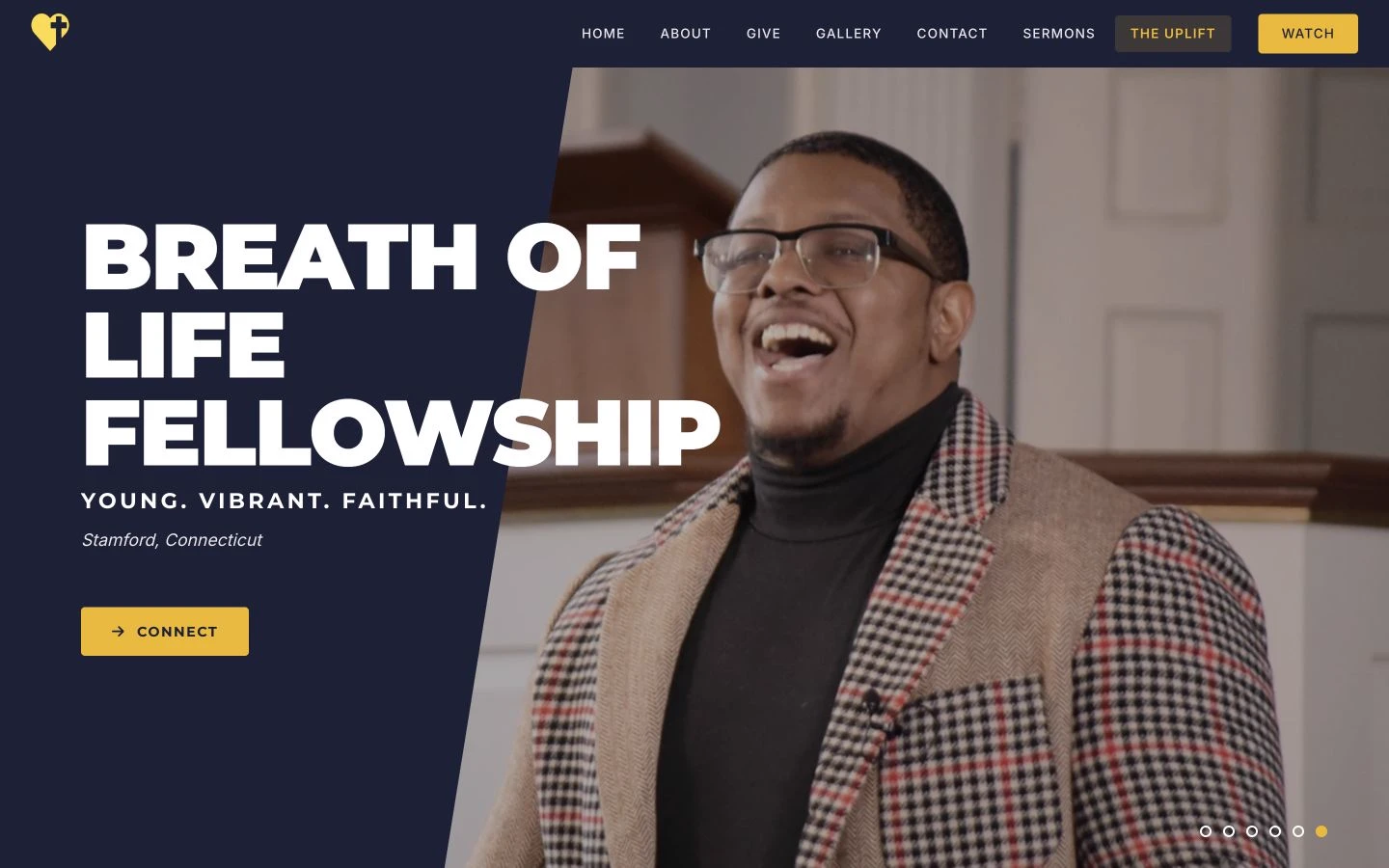
Live Breath of Life Fellowship website, captured September 24, 2026: navy-and-gold navigation, church introduction, and a service photo
Website
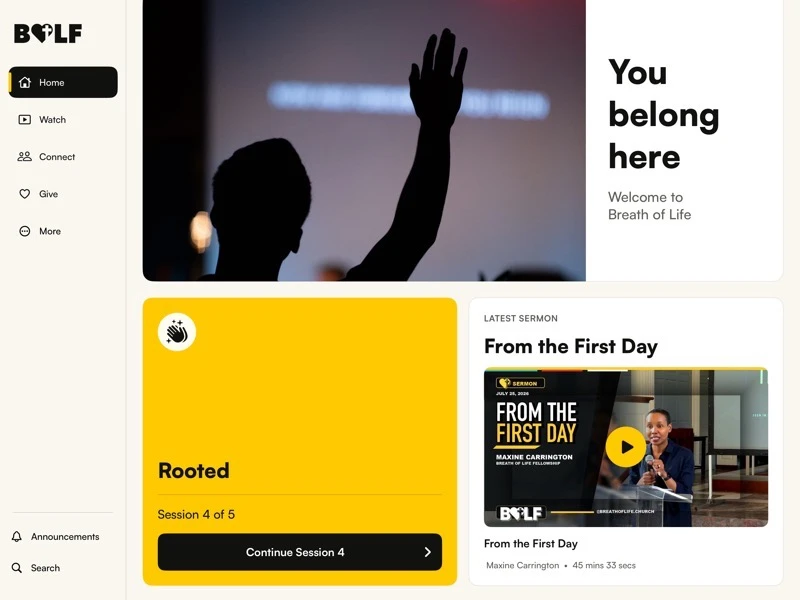
Breath of Life Fellowship on tablet: dedicated sidebar, community home, prayer journey, and latest sermon
iPad app
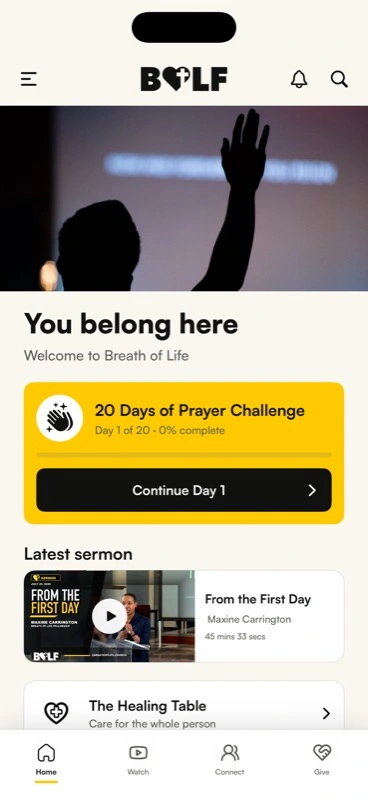
Breath of Life mobile app: You belong here, prayer challenge, latest sermon, and community navigation
iPhone app

04 / Find your channel

AdvenTV

Same purpose.
Four ways to watch.

Seventh-day Adventist programming, designed for the screen you’re on.

Web · Apple TV · Phone · Tablet

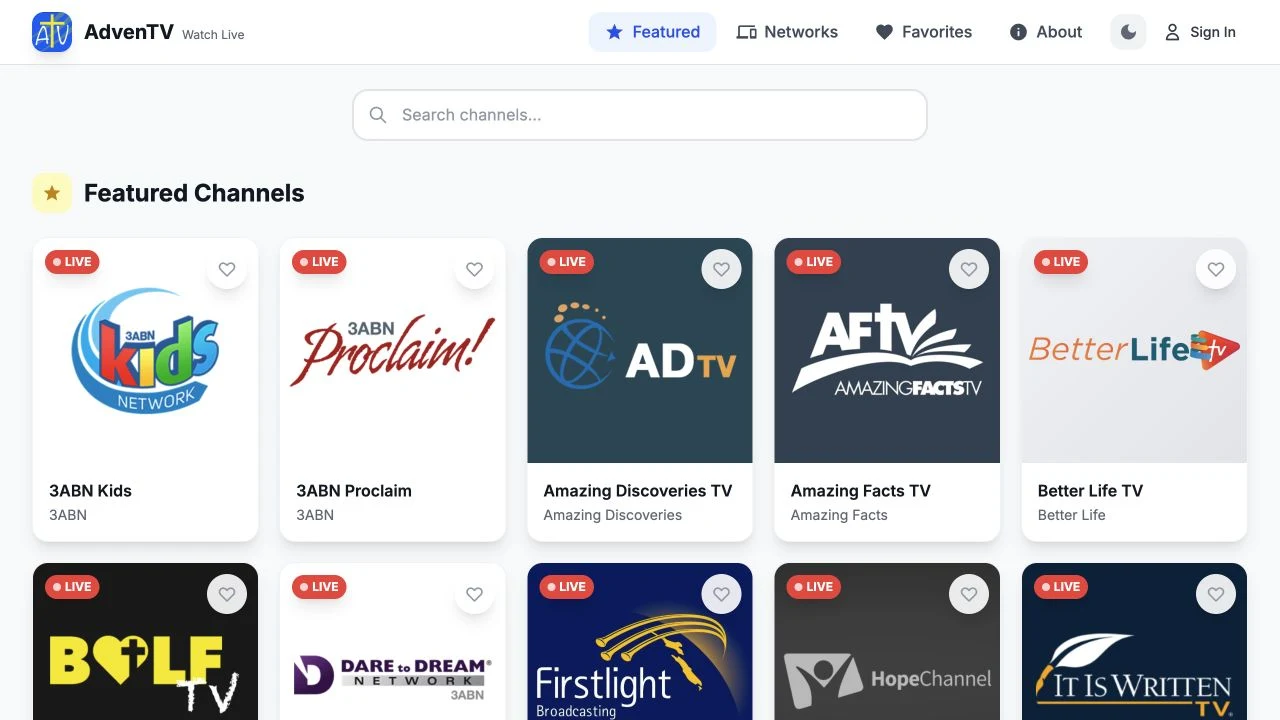
Open a browser. Find your channel.

A spacious channel guide for the web. Actual website capture, September 2026.

Explore the four-screen story
ADVENTV / ON YOUR SCREENWEB
AdvenTV website with featured channels in a browser
One product. A layout for every context.

05 / Small tool. Clear purpose.

Capacity Tracker

Know where
you stand.

A count you can read at a glance. In and out controls you don’t have to hunt for.

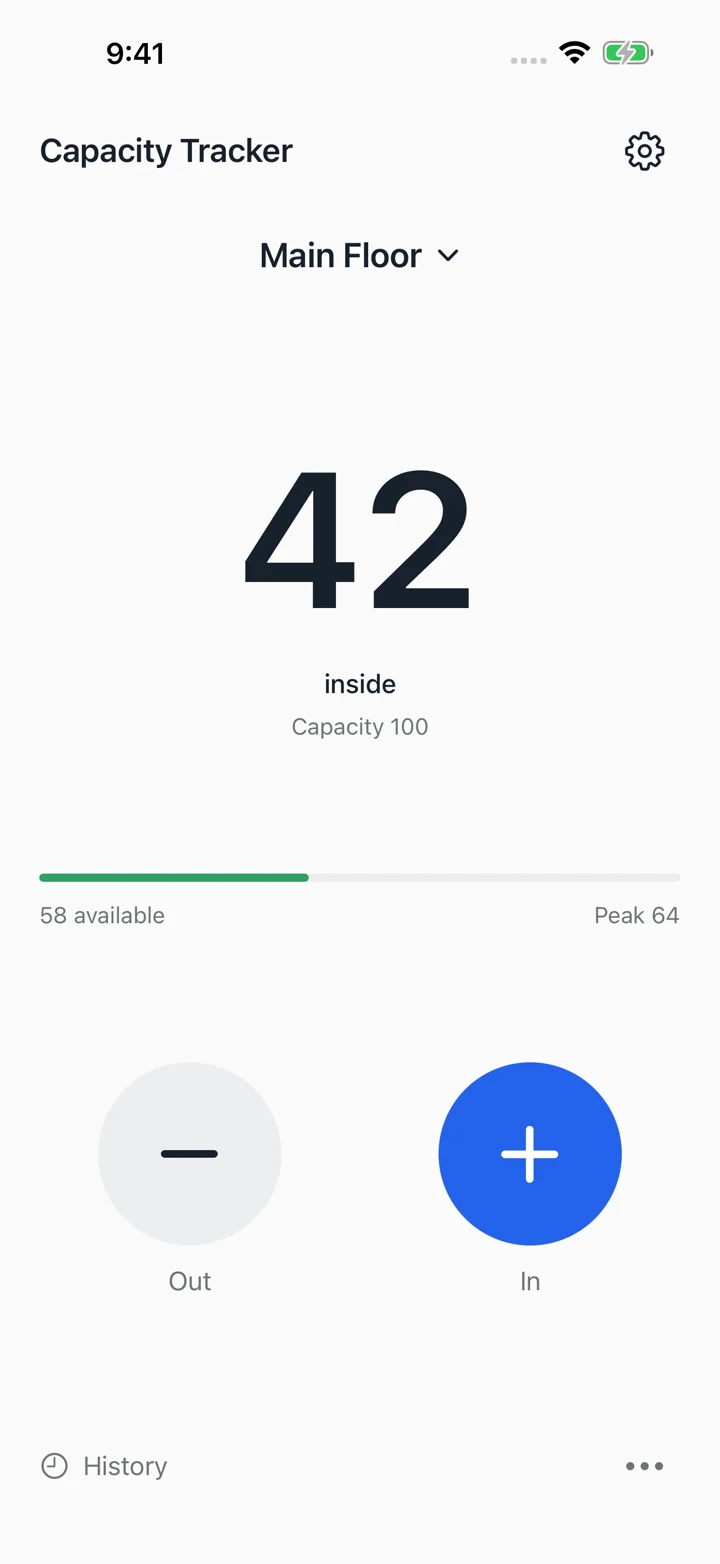
42 inside. 58 spaces available.

The count, capacity, and remaining room share one clear view. Captured sample: Main Floor.

See the thinking behind it
Clarity, not clutter.
Capacity Tracker Main Floor sample showing 42 inside, capacity 100, and 58 available
Recorded app examples · Not a live counter

06 / Room to explore · Mobile app

SDA Essentials

Big questions.
A clear place to start.

A Seventh-day Adventist resource library, organized around the things you want to understand.

Sabbath. Sanctuary. Three Angels’ Messages.

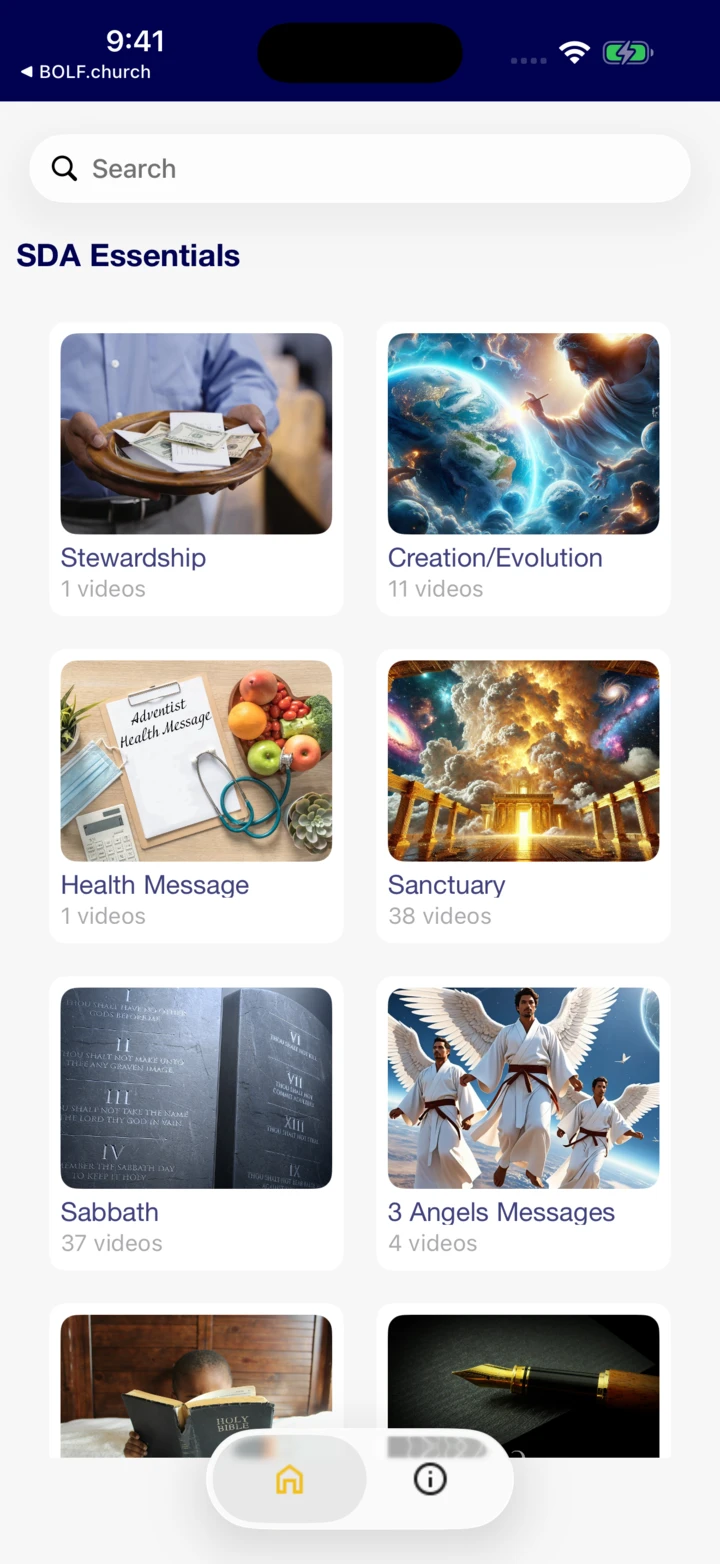
Recognizable topics create a clear starting point for exploring the library. These categories appear in the actual home screen shown here.

Inside the resource library
A little curiosity goes a long way.
SDA Essentials home screen with illustrated learning categories including Stewardship, Health Message, Sanctuary, and Sabbath
Actual home screen · v3.1, build 219

07 / Everyday clarity · iPad app

BrightHour Clock

A little clarity.
Around the clock.

Big, readable time. A familiar voice. An iPad clock designed to make the day easier to follow, with spoken time and optional routine reminders.

The time, with a little more context.

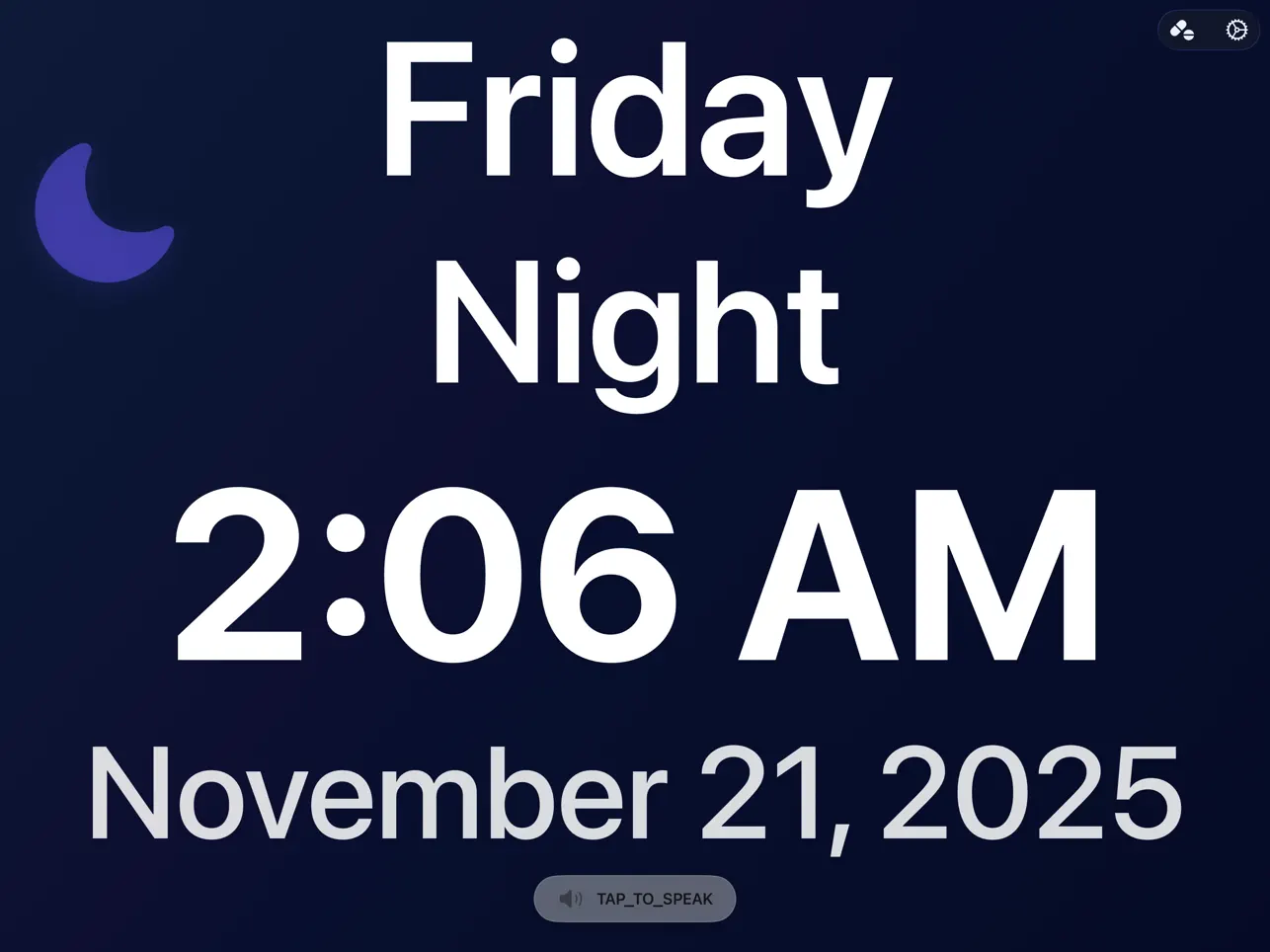
Day, part of day, time, and date share one clear view. Tap-to-speak offers another way to check the time in the app.

A closer look at BrightHour
More clarity. Less to figure out.
BrightHour Clock on iPad in dark mode showing Friday Night, 2:06 AM, November 21, 2025, and tap-to-speak
Published iPad screenshots · Recorded views, not a live clock

Studio

Your vision, with a hands-on guide.

You shouldn’t have to become a technology expert to move your idea forward. 1AM is a Black-owned, Connecticut-based studio bringing design and development together around your goals. The products above show how we turn complex tasks into experiences people can use.

Build an app.

Shape a focused product for phone or tablet—from the core workflow to the interface and development.

Create a website.

Give your business or community a clear home online, with useful content and an obvious next step.

Improve what’s there.

Rethink a confusing flow or refresh an existing experience. Start with the problem you want to solve.

Start a project

A closer look